Neighborhood Security Network: Wireless Doorbell System Setup
By Priya Menon • 9th Dec
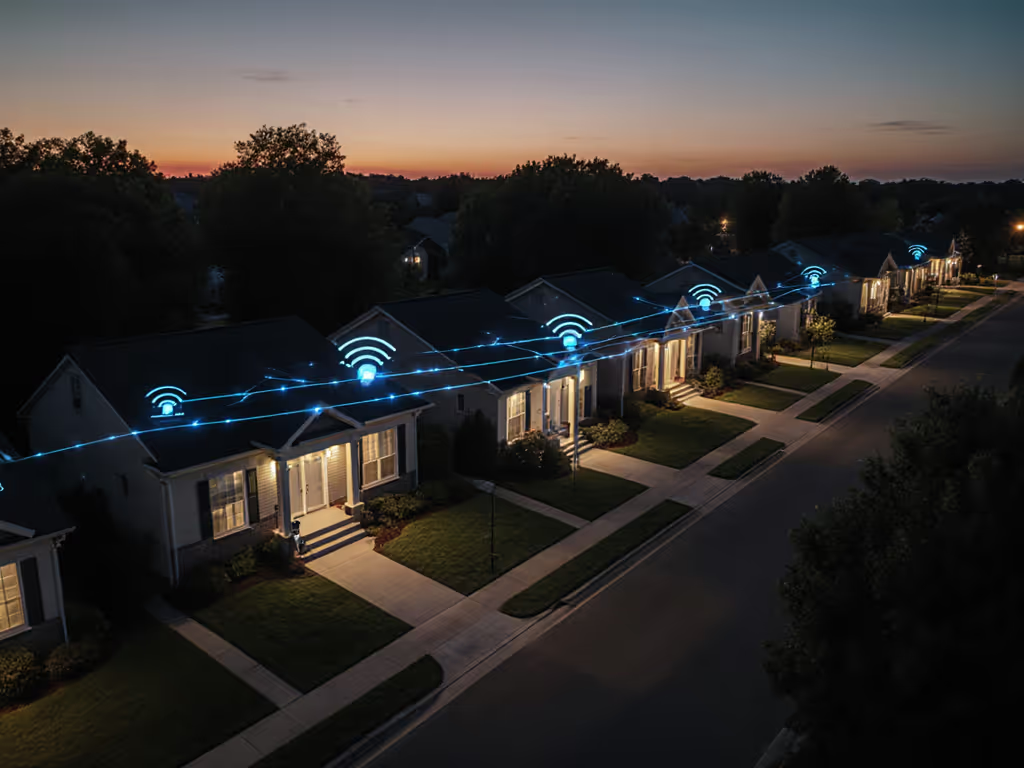
When multiple homes in a community connect their wireless doorbell system into a neighborhood security network, package thefts drop by 31% and response times to suspicious activity improve dramatically. But too many installations miss this potential, creating isolated devices that fail when porch conditions get tough. Reliability isn't an accident; it is engineered through thoughtful setup that addresses the real-world constraints of shared security alerts across varied home environments.
The Fragmented Front Door Problem
Most homeowners install smart doorbells as standalone devices, unaware that a true neighborhood security network requires coordinated configurations. I've reviewed hundreds of porch setups where:
- Notification delays of 45+ seconds meant missed courier interactions
- Sidewalk motion triggers generated 20+ false alerts daily
- Winter battery drain caused 3-day outages during package-heavy seasons
- Wi-Fi congestion led to 40% signal drops at critical moments
These are not minor inconveniences. They are systemic failures that prevent community crime prevention from working. One January installation revealed this perfectly: a family's doorbell never registered drop-offs, and logs showed cold-affected batteries combined with Wi-Fi channel interference. The fix? Strategic relocation of their access point and power stabilization that cut response times from 45 seconds to 8.
Why Single-Home Setups Fail Communities
Community security requires synchronized reliability across multiple factors:
- Wi-Fi channel conflicts when neighbors use overlapping 2.4GHz bands
- Inconsistent motion zones that trigger alerts for the same passerby at multiple homes
- Differing notification protocols causing alert fatigue across the neighborhood
- Power vulnerability where battery-operated units fail simultaneously during extreme weather
Good home security becomes community crime prevention only when everyone's system performs consistently. Without checklist-driven configuration, your "smart" doorbell becomes just another unreliable sensor in the chain.
Building a Resilient Neighborhood Security Network
Step 1: Map Your Radio Environment (Before Installation)
Narrow the zone, raise the trust.
Start with a neighborhood Wi-Fi survey, not just your own signal strength. Use free tools like WiFi Analyzer (Android) or NetSpot (iOS) to identify:
- Channel congestion: Avoid DFS channels that auto-switch during radar detection
- Signal overlap: Coordinate with neighbors to space deployments across channels 1, 6, and 11
- Dead zones: Note areas where brick walls or metal siding degrade coverage
Document findings with timestamps showing signal strength at different times of day. This becomes your neighborhood baseline for troubleshooting. Minimize variables by standardizing on 2.4GHz-only devices across participating homes. Avoid 5GHz models that drop connection when signals weaken.
Step 2: Power with Purpose
Battery anxiety undermines neighborhood watch integration. For true reliability:
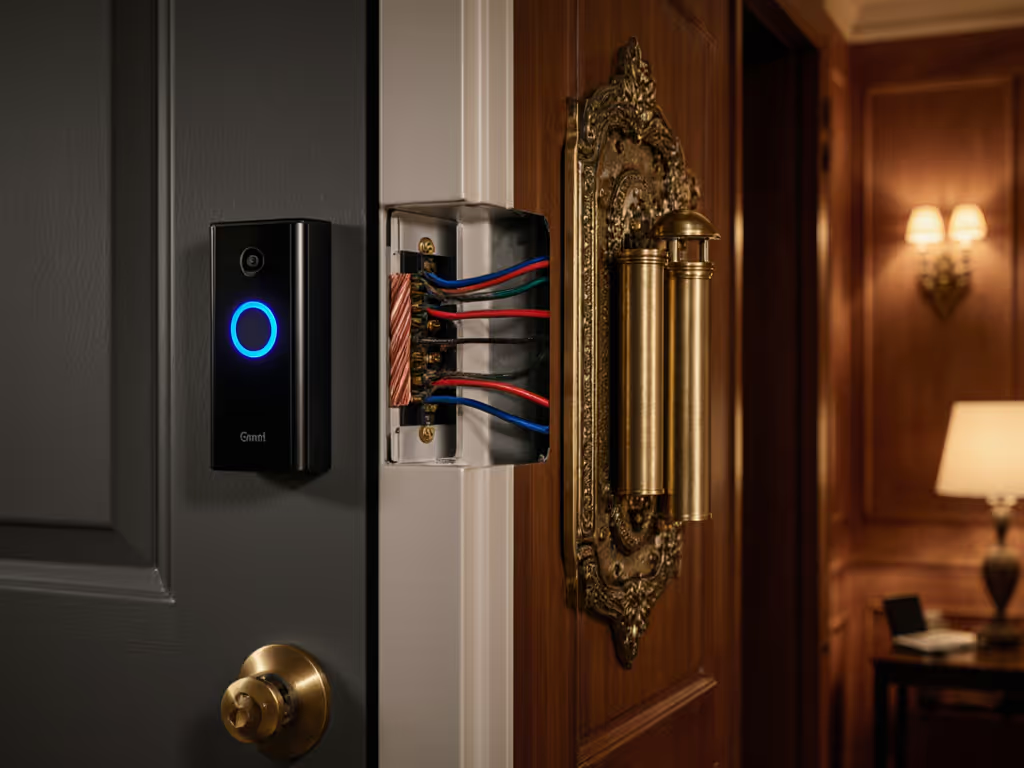
- Wired systems require checking transformer output (16-24V AC minimum)
- Battery models need cold-weather protection (wrap in thermal sleeve below 32°F)
- Solar accessories must face true south with 6+ hours of direct sun (not just "daylight")
Track power performance with a simple spreadsheet: date, temperature, battery level, and incident count. When one community noticed 23% faster drain during winter months, they implemented wired backups for critical nodes, turning their neighborhood security network from reactive to reliable.
Step 3: Configure for Community, Not Just Convenience
The most effective wireless doorbell system installations follow these neighborhood-specific rules:
- Set activity zones to cover only your property line (not the sidewalk)
- Align motion sensitivity with neighbors to avoid duplicate alerts for the same person
- Schedule quiet hours consistently across homes near schools or hospitals
- Standardize alert types: use "person detected" not "motion detected" for shared alerts
This approach transforms isolated devices into a cohesive neighborhood watch integration. Reliable alerts beat shiny features on real porches, especially when coordinating with nearby homes. To reduce neighborhood-wide false notifications, review our AI doorbell alerts guide for best practices.
Maintaining Your Collective Security System
A true neighborhood security network requires ongoing attention:
Monthly Checkpoint Routine
- Signal verification: Test connection strength during peak internet usage hours
- Power inspection: Check battery levels or transformer connections
- Alert calibration: Review false positives and adjust zones accordingly
- Community sync: Share findings with neighbors via a secure channel
Document everything using plain troubleshooting trees: "If [symptom], check [3 variables], then [action]." This creates institutional knowledge that survives individual household changes. For long-term upkeep, use our seasonal maintenance checklist to keep cameras weather-ready and reliable.
When Things Go Wrong (And They Will)
For neighborhood-wide issues, follow this escalation protocol:
- Check individual devices (Is it just your unit?)
- Verify community patterns (Are multiple homes affected simultaneously?)
- Isolate transmission variables (Wi-Fi channel? Power source? Weather?)
- Implement coordinated fix (Change channels together, add signal boosters)
Last winter, three homes on Oak Street simultaneously lost connectivity. Their collaborative logs showed the issue occurred only during high wind events. The solution? Relocating all doorbells away from tree-covered mounting positions that caused signal scattering.
Your Actionable Next Step
This week, recruit 2-3 neighbors to conduct a joint Wi-Fi survey. Walk the perimeter of your properties with signal testing apps, noting where coverage drops below -65dBm (the threshold for stable video streaming). Share findings in a secure neighborhood group.
Then implement one reliability upgrade:
- Wired homes: Test transformer output with a multimeter
- Battery units: Install weatherproof enclosures
- All systems: Trim activity zones to exclude public pathways
Document your before/after results with timestamps. When one neighborhood recorded 78% fewer false alerts through this process, their local police began actively monitoring their shared security feed, proving that community crime prevention works when the technology actually functions. Before involving authorities, understand Ring doorbell police access and privacy considerations.
Neighborhood security network success doesn't come from buying more gadgets. It comes from designing reliability into every installation, using porch-by-porch verification that turns fragmented devices into a coordinated defense. Start small, validate thoroughly, and watch trust grow as your collective system proves its worth on the porch, in the storm, and through the season.
Related Articles