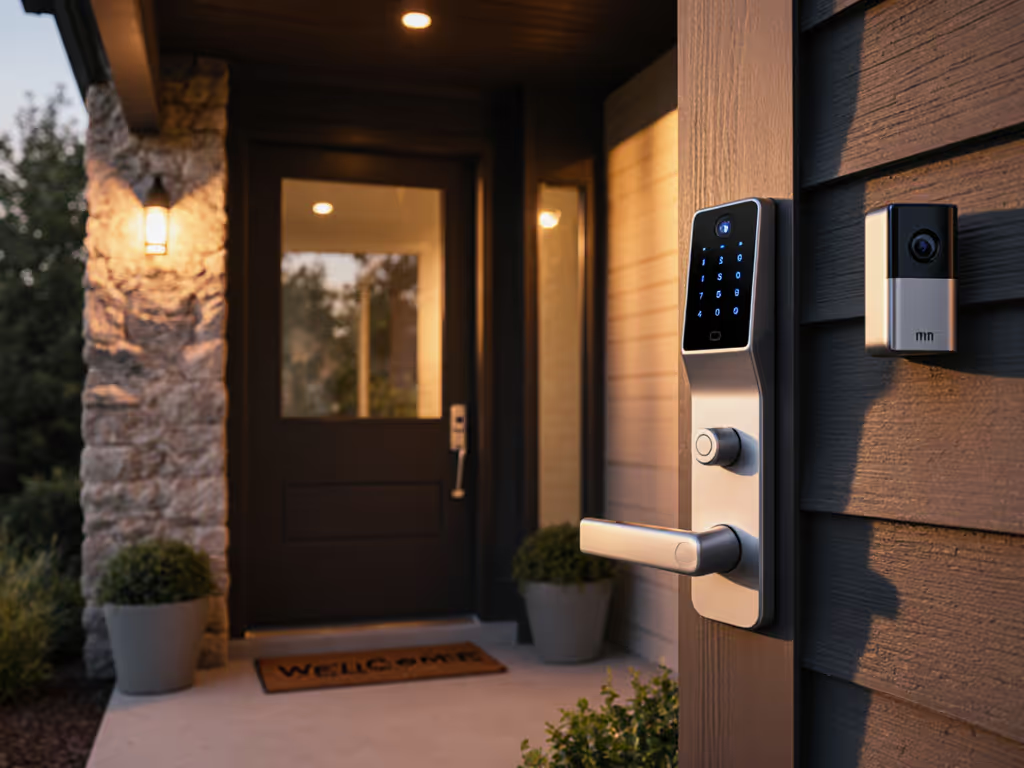
Silent Doorbells for Apartments: Alert Control
By Mateo Okafor • 19th Feb
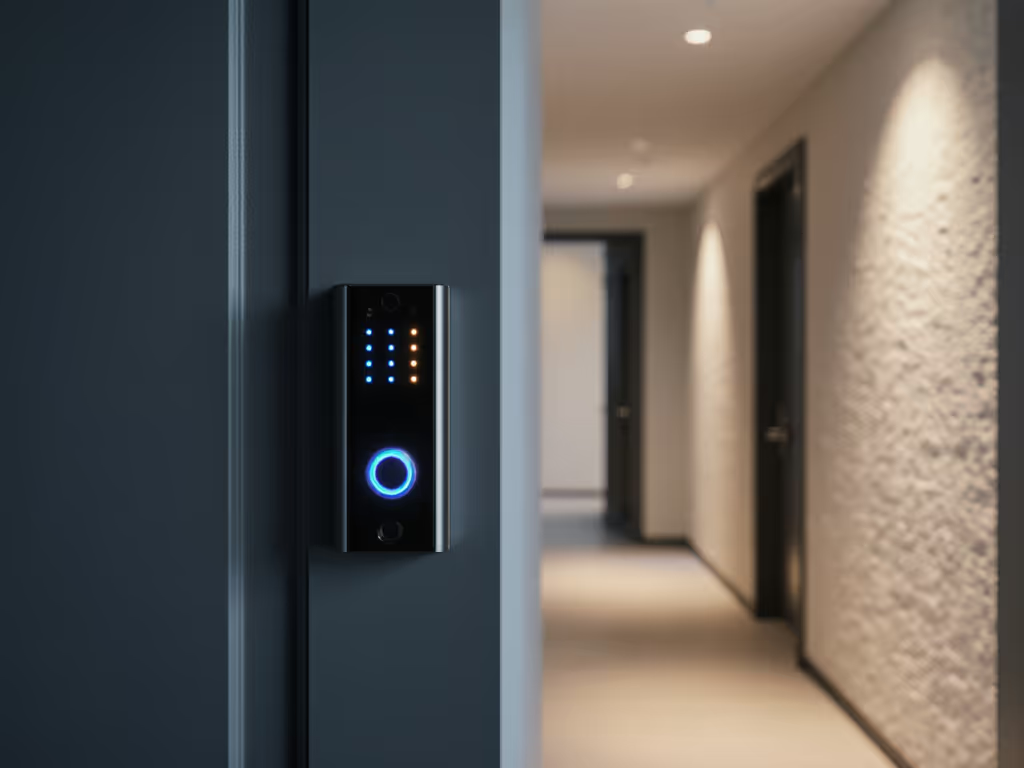
When a doorbell chimes in an apartment, it doesn't announce only to you; it broadcasts across shared walls, through neighbors' streaming sessions, and into roommates' work calls. Yet the opposite problem is equally real: missing deliveries because push notifications buried in your phone never reached you, or because the chime's sound got lost in an afternoon of video conferencing. Quiet neighborhood doorbell systems for apartments demand a fundamentally different approach than marketing comparisons suggest, one that prioritizes how and when you're alerted over which brand dominates search results.
What Does "Silent" Actually Mean in a Doorbell Context?
The term "silent doorbell" usually conflates three separate features that apartment dwellers often roll into one wish. First, there's chime suppression, the ability to mute or disable the physical sound from the doorbell itself. Second is notification control, customizing or silencing app alerts on your phone. Third, and most overlooked, is audit visibility, knowing exactly when, how, and to whom your video footage and alert data traveled. Most marketed "silent" doorbells nail the first two and ignore the third entirely, which is where the privacy friction begins.
Many mainstream products default to cloud notification delivery. If the cloud service is slow or offline, your "instant alert" never arrives. Some require a paid subscription tier to enable vibration-only alerts, turning what should be a basic feature into a paywalled convenience. A neighbor once asked me to retrieve footage after a package theft occurred on our shared landing. Because my system stores encrypted video locally and never auto-shares anything, I could export a single minute of relevant footage without handing over my entire camera stream to the property manager or police database. That control (knowing exactly what left my network) is the point. Privacy is a feature, not a line in marketing. For step-by-step control over what your doorbell shares, see our privacy settings hardening guide.
How Do Apartment Dwellers Actually Reduce False Alerts?
False alerts plague apartments far more than detached homes. Hallway motion from neighbors, filtered sunlight crossing the landing, even a delivery person from a neighboring unit can trigger notifications. SimpliSafe and Blink doorbells do offer activity zones and motion sensitivity tuning, but the real test is post-install performance over weeks, not lab conditions.
The critical issue most reviews gloss over: basic motion detection cannot distinguish a package from a shadow. Learn how advanced AI doorbell alerts cut false notifications in apartments. Ring's AI video search and facial recognition exist to filter noise, but accessing those features requires stepping into Ring's $20-per-month AI Pro plan, exactly the subscription creep that erodes transparency. You're sold a "smart" device, then charged monthly to make it actually smart.
Alternatively, some users disable motion alerts entirely and rely solely on person detection, accepting that packages arrive silently. Others mount their doorbell at an angle to minimize hallway foot traffic in the frame. The honest answer is that no current mainstream doorbell perfectly solves apartment noise sensitivity; you're trading off between missed alerts and alert fatigue.
Practical Filtering Strategies
- Activity zones: Restrict motion detection to the entry door itself, excluding hallway and common areas from triggering alerts.
- Scheduling: Disable alerts during known quiet hours or business hours if appropriate to your household rhythm.
- Person vs. vehicle logic: Devices like Arlo and newer Nest models claim to filter vehicles; in practice, this works inconsistently from apartment balconies and narrow stoops.
- Sensitivity curves: Blink allows granular tuning. Lower settings reduce false alerts but risk missing actual visitors if the doorbell is recessed or backlit.
Which Alert Delivery Method Avoids Vendor Lock-In?
This is where threat models clarify vendor risk. Alert delivery happens one of three ways:
Cloud-first (Ring, Google Nest, SimpliSafe cloud tier): Notifications travel through the manufacturer's servers. If their infrastructure has latency, your alert delays. If their privacy policy changes, and Ring's has, you have no technical recourse. If they discontinue support, your device eventually becomes a brick.
Local LAN with fallback cloud (some Arlo setups, RTSP-enabled systems): Notification logic runs on your home network or a local hub. If the internet goes down, you still capture video locally and can check it later. This is the architecture that auditability fundamentally depends on. Dig deeper into fast, private on-device processing with our edge computing doorbells explainer. You control where copies of your footage exist and when they leave your home.
RTSP/open protocol (Lorex, and some cameras from Arlo): The doorbell streams video in a standard format that any compatible app or home automation platform can ingest. You're not locked to a single manufacturer's app for viewing. This is rare in doorbells but increasingly available in standalone security cameras.
SimpliSafe's system requires a hub for video integration, which adds cost but enables local processing of alerts. Blink similarly uses a hub, storing video locally for a short window before cloud sync. Both represent a middle ground: you own your immediate alert processing, but long-term storage or multi-device access requires their cloud. Neither is perfect, but both are more auditable than cloud-first designs.
How Do Noise and Privacy Intersect in Shared Housing?
This question reveals why apartment doorbells are categorically different. In a single-family home, a loud chime is your choice. In an apartment, it's a nuisance spillover. Yet the fix of silencing the chime entirely creates a new problem: you miss a visitor or delivery because your phone vibrated silently in another room.
The honest solution is a graduated alert hierarchy. Primary notification via silent push or vibration. Secondary, optional chime only if you've enabled it for specific time windows. Tertiary, a repeating alert if you don't acknowledge within two minutes.
Ring's chime device allows customization, and so does the SimpliSafe system, but both introduce additional hardware costs (chime is not always included). Blink and Wyze offer in-app control but no physical chime option at all, which suits noise-sensitive apartments but leaves you dependent on phone alerts.
The privacy angle: every alert notification represents a data point, timestamp, whether you opened it, whether you viewed the video. If that's sent to the cloud unencrypted or cross-referenced with other behavioral data, manufacturers can infer your patterns: when you're home, when you're alone, when you receive packages, when strangers visit. This is not theoretical. Some security systems have been discovered selling alert metadata to third parties or handing it to law enforcement without explicit notice. Audit your data flows.
What Happens When Neighbors Share the Same WiFi or Network Infrastructure?
Apartment WiFi is crowded. Multiple units on 2.4 GHz channels create interference. Some doorbells (Wyze, older Ring models) only support 2.4 GHz, forcing you to choose between separation and connectivity. Others (Google Nest, Arlo, newer Ring) support dual-band, allowing 5 GHz operation.
The critical threat: if your doorbell and a neighbor's camera are on the same WiFi and that network lacks VLAN segregation or strong encryption, a neighbor or network attacker could theoretically intercept your video stream. Most modern doorbells use HTTPS to the cloud and encrypted local video storage, mitigating this risk, but only if you verify the settings, not assume them.
Property managers sometimes offer managed WiFi for tenants. If that WiFi is unencrypted or logged centrally by management, your doorbell footage transit becomes visible to a third party. Explicitly ask: is guest traffic segregated? Is video traffic encrypted client-to-server? If the answer is "we don't know," your data is leaking.
Which Doorbell Features Matter Most for Apartment Security Without Subscription Dependency?
A critical approach means questioning what you actually need versus what marketing bundles as "premium." Honest features for apartments:
Essential: Local video storage (even if limited), person detection (to reduce false alerts), night video legibility, and notification control that doesn't require a subscription.
Useful but optional: Two-way audio (for communicating with couriers), wide field of view (180+ degrees reduces blind spots), and package detection (helpful but often requires cloud AI).
Nice-to-have: Facial recognition, vehicle detection, AI video search, all of which assume continuous cloud processing and thus recurring monthly fees.
SimpliSafe Video Doorbell Pro requires hardwiring and $32.99+ monthly monitoring for full features, but entry-level SimpliSafe monitoring includes video cloud storage and person detection without per-camera fees. Blink Video Doorbell uses its optional hub for local storage and costs $60 upfront with optional ($4.99/month) cloud backup (significantly cheaper than Ring's core offering). Wyze charges $6/month for person detection, and Arlo similarly requires paid tiers for intelligent alerts.
Here's the honest discomfort: in 2026, true local-only doorbells with zero subscription requirement are nearly extinct in the mainstream market. Every major brand has monetized AI features and long-term storage. The question becomes whether the trade-off is transparent and whether you can reasonably decline it. SimpliSafe's approach (clear monthly options, no forced upsell) is more honest than Ring's, which nudges users toward subscriptions by crippling free video retention to 24 hours.
What Happens When Apartment Rules or HOAs Restrict Camera Placement?
Many buildings prohibit outward-facing cameras citing privacy concerns (other residents appear in footage) or aesthetic rules. This constraint demands rethinking the installation entirely.
Peephole camera insertion: Some models (like motion-activated peephole replacements) capture footage without external apparatus. These avoid HOA violation but typically have narrower fields of view and shorter local storage.
No-drill adhesive mounting: Wyze and Blink support adhesive pads instead of screws. Get renter-safe options in our no-drill video doorbell installs. This satisfies renters and HOAs, no permanent alteration. The trade-off: adhesive mount strength depends on surface material, temperature, and humidity. A shared hallway's condensation or a neighbor's leaning could dislodge it.
Narrow recess or frame mounting: Some apartments have deep door frames that hide a front-facing camera from the street's view. This works if the doorbell still captures the entrance, so test the field of view before purchasing.
Approval process: Before buying, check your lease or HOA rules explicitly. Some building managements allow security cameras with written notice. Others blanket-prohibit them. A $120 device is not recoverable if it violates your occupancy terms.
How Should Renters Evaluate Portability and Data Ownership?
Renters face a unique risk: high attachment to a device with uncertain tenure. Leases end. Forwarding addresses may not have compatible doors. A $200 doorbell that's permanently wired to your apartment's transformer becomes a $200 loss when you move.
Portability considerations:
- Hardwired doorbells (SimpliSafe Pro, some Arlo models) require transformer integration and are difficult to remove without tools and electrical knowledge. Not portable.
- Battery models with adhesive mounts (Wyze, Blink) are portable if the adhesive releases cleanly. Some users report adhesive residue requiring scraping. Manufacturers sometimes send adhesive replacement kits for re-mounting.
- Hub-dependent systems (Blink, Arlo): your video clips stored on the hub stay with the hub if you move unless you've backed them up to the cloud (which requires subscription or manual export).
Data ownership is equally murky. When you delete a clip in Ring's app, is it deleted from Ring's servers, or just your view? SimpliSafe's policy states that footage owned by the account can be downloaded for personal use, but the exact retention period post-account deletion varies by tier. Blink offers local storage on the hub (footage physically remains yours until you delete it), but cloud backup retention depends on your subscription.
Before moving, request a full export of any clips you want to retain. Expect friction; many platforms don't make bulk export trivial.
What's the Real Comparison: Cost Over Five Years?
Marketing focuses on purchase price. Reality demands lifetime cost.
SimpliSafe Video Doorbell: $170 hardware + $32.99/month monitoring (recommended tier) = $170 + $1,980 over five years = $2,150 total. Includes video cloud storage, person detection, two-way audio, and hardwired reliability.
Blink Video Doorbell: $60 hardware + optional $4.99/month cloud backup = $60 + $300 (if purchased) = $360, or $60 if you use local storage only. No mandatory subscription. Lower feature ceiling (no professional monitoring).
Ring Video Doorbell 2nd Gen: $99 to $150 + $4.99/month optional basic backup, or $20/month for AI Pro = $99 + $60 to $240 = $159 to $339 over five years at minimum; $339 to $499 if you choose AI Pro for person detection. Higher initial cost and feature creep temptation.
Eufy Security Video Doorbell: $64 to $180 + no mandatory subscription (local storage on hub) = $64 to $180 one-time. Lowest recurring cost, but fewer managed services.
The skeptical question: which cost structure is honest versus hidden? SimpliSafe's is transparent, you know the monthly commitment upfront. Ring's lures you with a low purchase price and then charges for detection features that should be basic. Blink's is genuinely low if you're comfortable with optional cloud backup.
Further Exploration
The gap between marketed features and apartment reality is where real choices live. Before purchasing a doorbell, answer these questions:
- Does your building permit the installation, and have you confirmed with management?
- Can you control notifications independently of sound, or is muting the chime a side effect of cloud backup?
- Where does your video footage live: your home network, the cloud, or both? Can you inspect that? Compare cloud vs local storage trade-offs before you commit.
- If the subscription tier you want isn't available in your region or is discontinued, can you downgrade and keep the device useful?
- How will you retrieve your footage when you move or cancel service?
- Is person detection available without a subscription, or is it locked behind a paywall?
These questions don't have universal answers, which is precisely why comparisons based on specs alone fail. Audit your data flows (all of them): video, alerts, access logs, and storage locations. The quietest doorbell for your apartment is the one whose notification and privacy controls align with your household rhythm and risk tolerance, not the one with the highest star rating. Privacy should be the default in your decision process, not a line in marketing.
Expect friction discovering this. Most retailers and reviews emphasize ease of install and video resolution, not noise transmission between units or where your alert data travels. Dig deeper. Call your local property management and ask explicitly whether other residents have complained about doorbell notifications bleeding through walls. Test a device on trial if possible before committing to hardwiring. And when a neighbor asks about your setup, be transparent (not just about the footage you can share, but also about the alerts you control and the data you retain). That honesty is the feature.
Related Articles